A Telegram group scraper is software that connects to Telegram's API and exports the member list, usernames, and IDs from a public group into a CSV or JSON file. You can scrape group members and message authors — but not a channel's full subscriber list, which Telegram hides from everyone, including the channel owner. The real risk isn't the idea; it's account bans from reckless scraping.
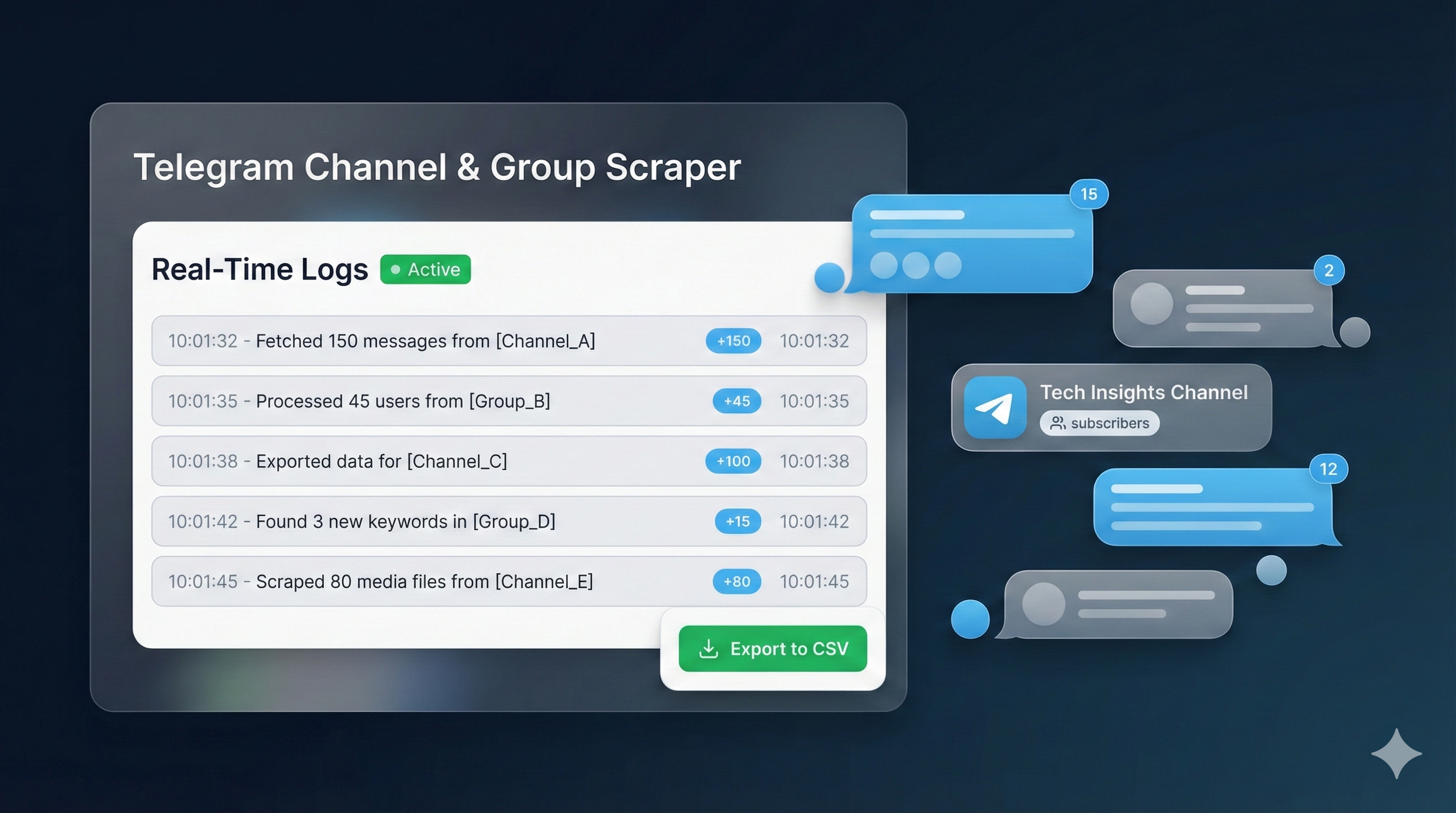
Most people searching for a Telegram group scraper want one specific thing — a list of real people they can actually reach. Not a number. A list. And the gap between those two outcomes is almost entirely about how the scraping gets done.
We build scraping tools for client campaigns, and we've run something like 300 scraping jobs through 2025 and into 2026. The pattern is consistent: a scraper isn't risky because the idea is bad — it's risky when it ignores how Telegram scores accounts and what Telegram actually exposes. So this guide does two things. It explains how to scrape Telegram properly — every method, the real limits, the ban risks — and it shows you the YourSolutions tool built around all of it. The tutorial video is right below.
What is a Telegram group scraper?
A Telegram group scraper is software that connects to Telegram and exports a group's member list into a file you can actually use — usually a CSV or JSON with usernames, user IDs, and display names. Instead of scrolling a member list and copying handles by hand, the scraper does it in one pass. The category is broad. It covers Python scripts built on libraries like Telethon, browser extensions that run inside Telegram Web, no-code cloud tools, open-source projects on GitHub, and fully managed services where someone else runs the job. They all share one core purpose: turn a group you can see into a structured list you can work with. What a scraper is not is a magic key to private data. It reads what Telegram already exposes to a normal account — nothing hidden, nothing behind a wall. That distinction matters more than any feature comparison, and it's where the next section starts.
One quick term-sorting note, because the search results here are a mess. People type "what is telegram scraper" and "telegram data scraper" as if they name different things — they don't. A "telegram user scraper" or "telegram username scraper" is the same tool again, labelled by its output, and so is a "telegram group members scraper" or a "telegram channel member scraper". Even the word order floats around: "scraper telegram", "scraper telegram group", and the half-formed "telegram scrape channel" all show up as often as the tidy version. The one label that genuinely misleads is "telegram channel scraper", and untangling it is the next section's whole job.
What can you actually scrape from Telegram — and what you can't
Here's the part most scraper pages quietly skip. When you look up how to scrape Telegram channels, the honest answer starts with a limit: you cannot scrape a Telegram channel's subscriber list. Not with the best tool on the market, not with a custom script — the full roster is hidden from everyone, including the channel's own owner. That's a Telegram architecture decision, not a tool limitation. So what does it actually mean to scrape Telegram channel data? You can scrape Telegram channel messages — their text, views, reactions, and media links — and you can pull the usernames and IDs of people posting in the channel's discussion group. Groups expose their members; channels expose their messages and commenters. We've had clients come in certain they'd buy a competitor channel's 80,000 subscribers, and that list simply does not exist to be sold. Knowing the line between group data and channel data saves you from paying for a fantasy.
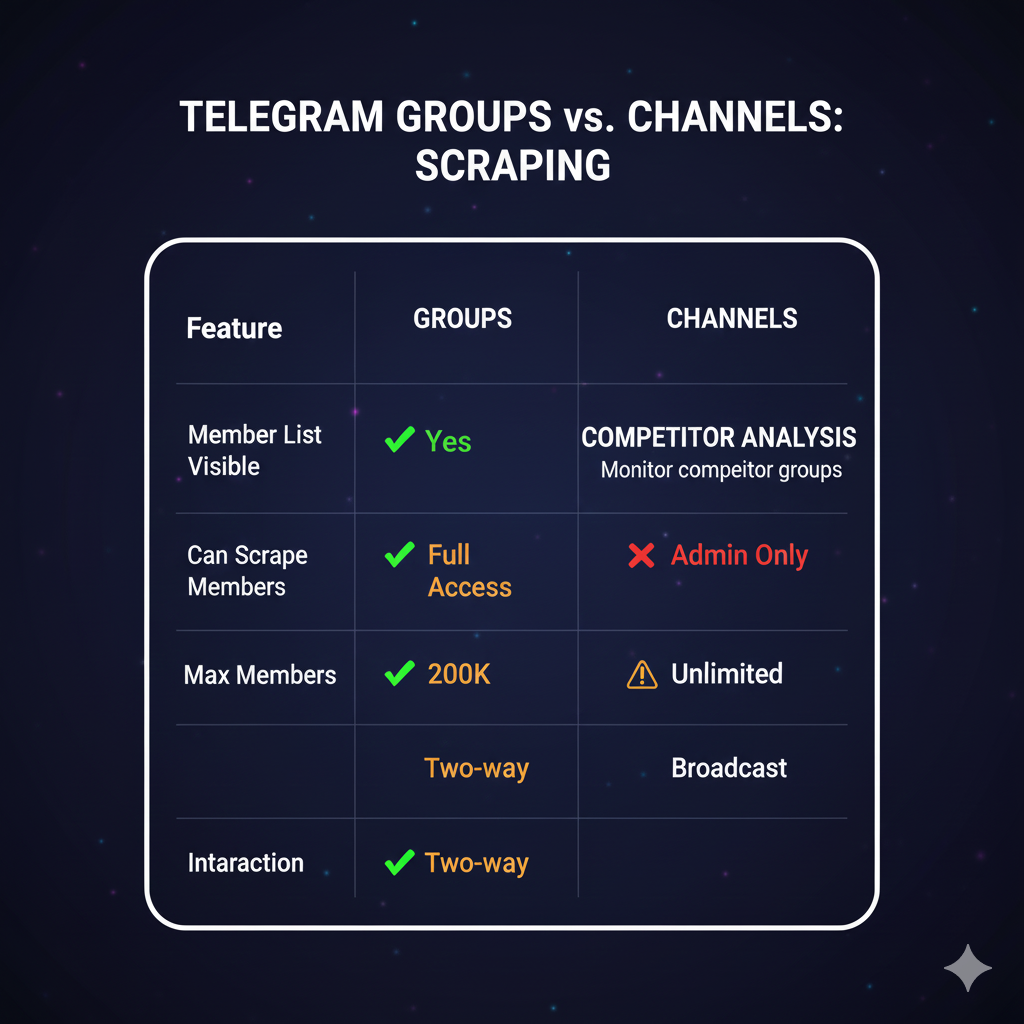
This is also why "scrape Telegram channel members" is a slippery request. Ask us to scrape members from Telegram channel rosters and the honest reply is that the roster isn't visible — what we can realistically reach is the discussion-group members and the public commenters, never the silent subscriber base. Put plainly, here's the split:
| You can scrape | You can't scrape |
|---|---|
| Public group member lists — usernames, user IDs, names | A channel's full subscriber list (hidden from everyone) |
| People who post in a channel's linked discussion group | Members of private groups you haven't joined |
| Public channel messages — text, views, reactions, media | Phone numbers, unless a user has chosen to share them |
| Message authors and commenters in public chats | Deleted messages and accounts that have left |
How does a Telegram group scraper work?
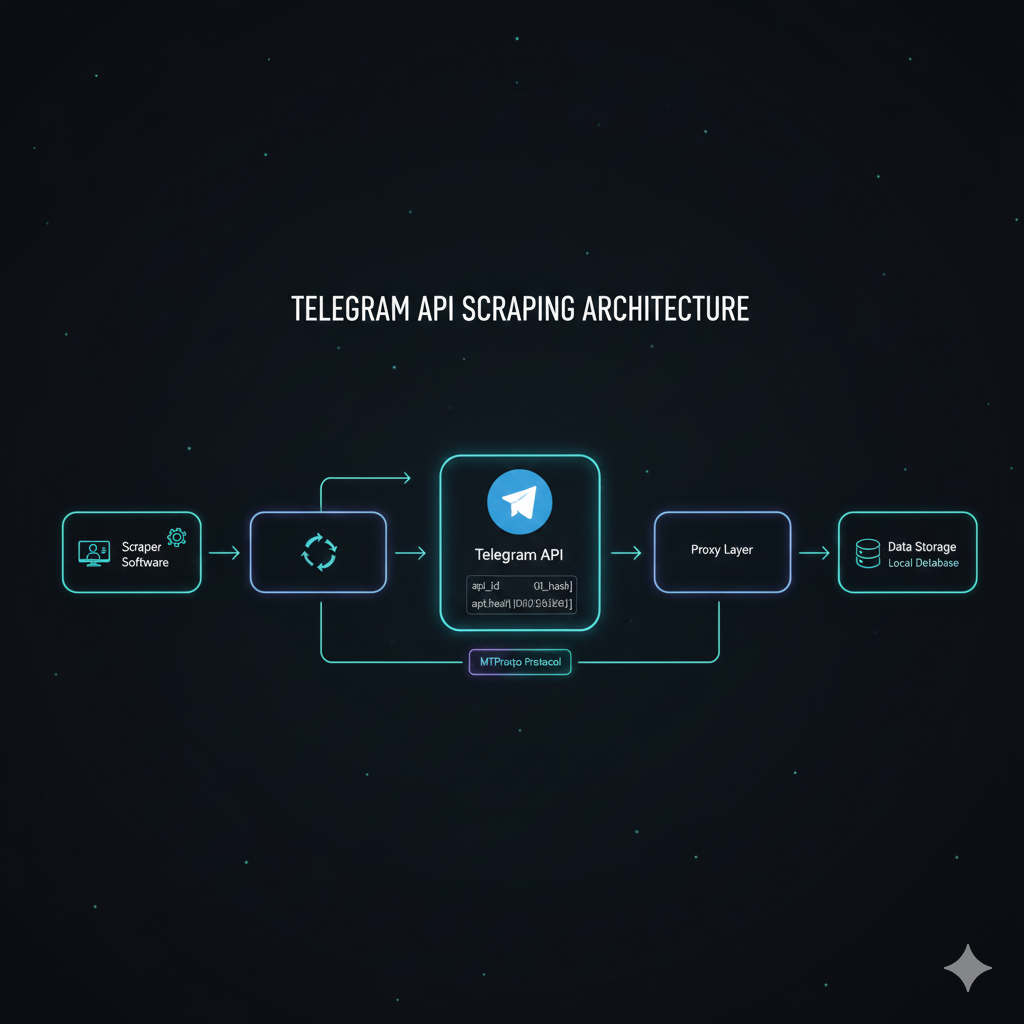
Under the hood, almost every Telegram group scraper runs the same four steps. First, authentication: the tool signs in as a Telegram account, usually through the official API with an api_id and api_hash you generate at my.telegram.org, or through a saved session. Second, collection: it opens a source group you can access and reads the visible member list, pulling usernames, user IDs, and names. Third, filtering — and this is where cheap tools fall apart — the better ones drop bots, deleted accounts, and profiles with privacy settings that block contact, while the lazy ones keep everything. Fourth, export: the cleaned list lands in a CSV or JSON file. The mechanics are simple; we've built and run enough of these to say the code was never the hard part. The hard part is steps one and four, because authenticating and reading at volume is exactly the behavior Telegram's anti-spam system watches for.
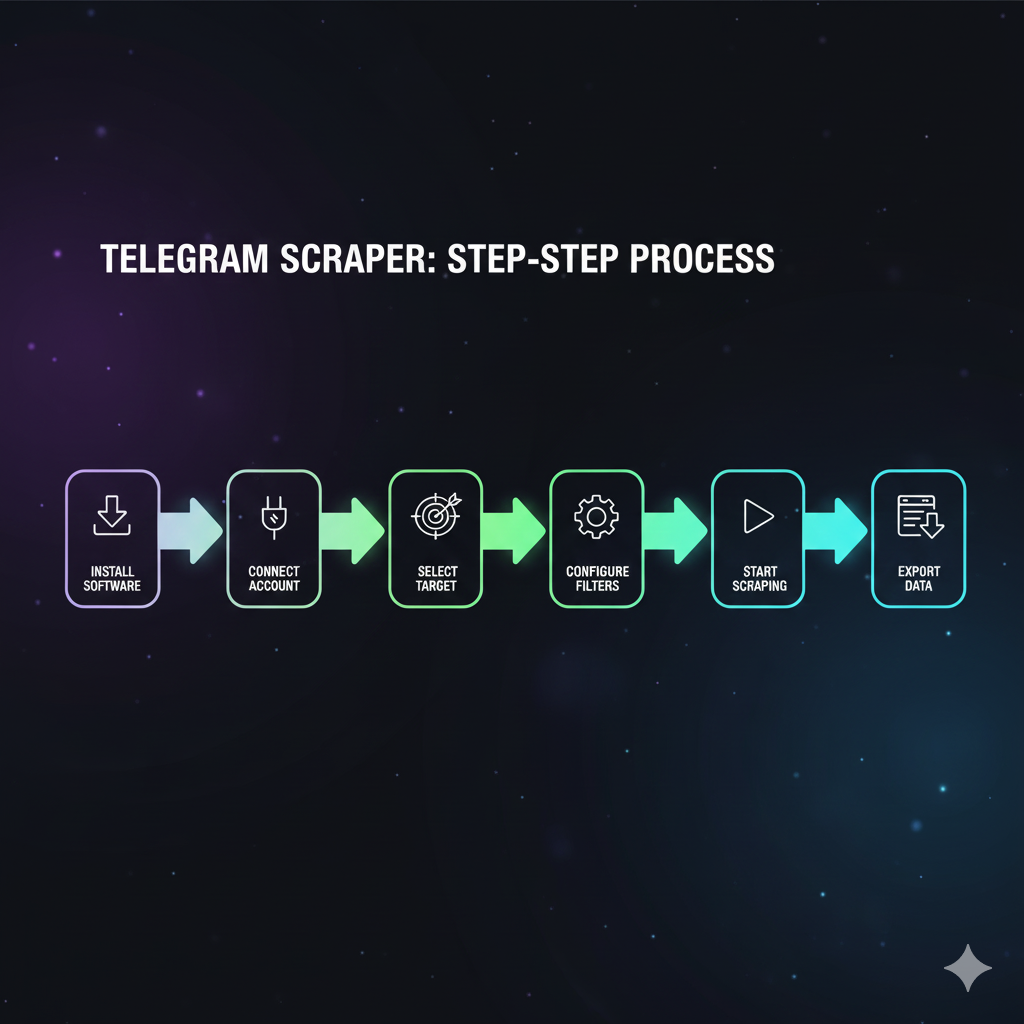
The filtering stage is the one worth slowing down on. A scraper that skips it will happily hand you a list padded with accounts that left Telegram months ago, bots, and profiles whose privacy settings mean you could never contact them anyway. The list looks bigger. It just isn't worth more. A good telegram member scraper treats the raw pull as a draft, not a deliverable.
The five ways to scrape a Telegram channel or group
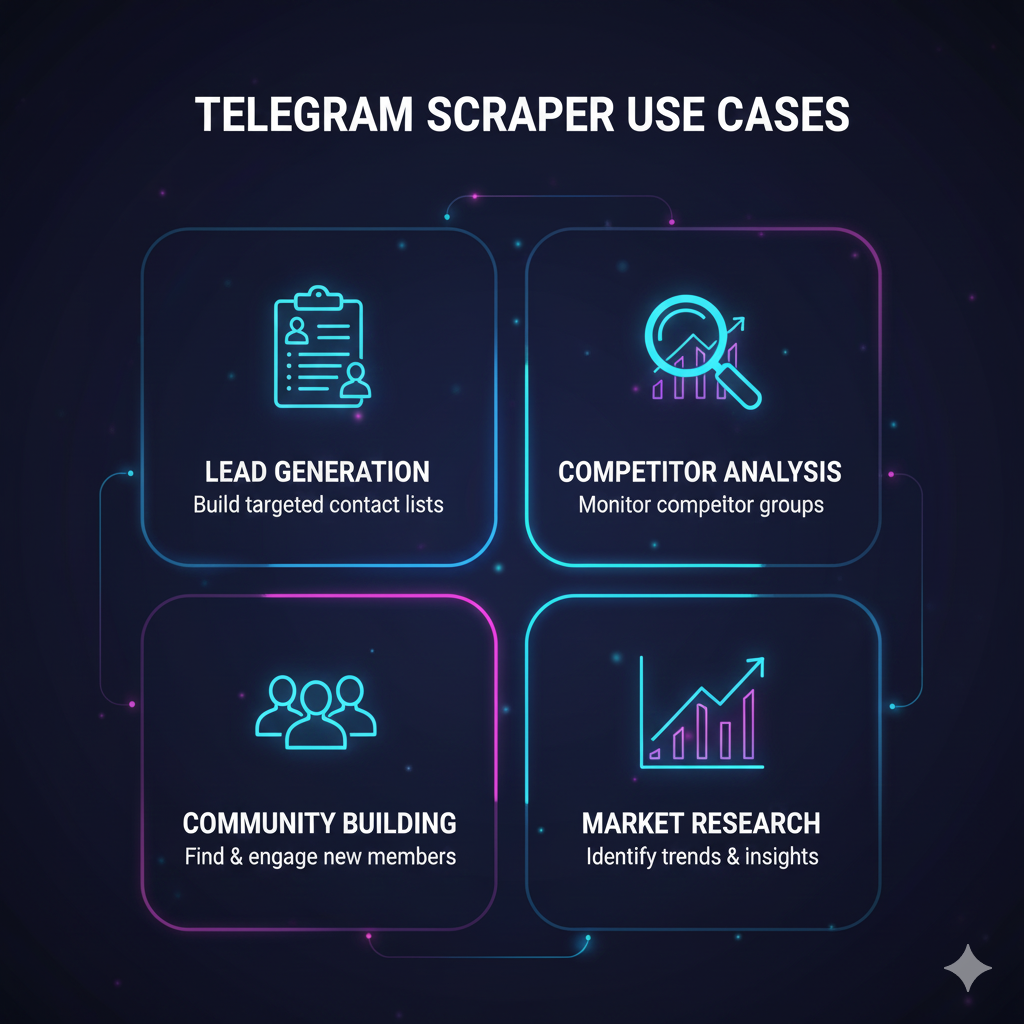
There are five practical ways to scrape Telegram, and the right one depends entirely on who you are and what you need. If you write code, the official API with a Python library is the most reliable route. If you don't, a browser extension or a no-code cloud tool gets you a list in minutes. If you want to tinker, GitHub is full of open-source scrapers. And if you need volume without burning your own accounts, a managed service runs it for you. None of these is automatically the "best telegram scraper" — that phrase only means something once you fill in the context. A researcher pulling public message data has different needs than a marketer building a niche audience list. The table below lays out all five side by side, with the honest cost and ban-exposure columns filled in the way we'd brief a client, not the way a vendor landing page fills them.
| Method | How it works | Real cost | Best for | Ban exposure |
|---|---|---|---|---|
| Official API + Python (Telethon / Pyrogram) | You run a script against Telegram's API with your own api_id | Free — your time and an account | Developers, custom data, repeatable jobs | Medium — depends entirely on your pacing |
| Browser / Chrome extension | Runs inside your logged-in Telegram Web session | Free to roughly $80 / month | Non-coders, small one-off pulls | High — single account, easy to fingerprint |
| No-code cloud tool (Apify-style actors, online tools) | A cloud actor reads public data, point-and-click | Free to about $50 per job | Quick public-data pulls, no setup | Low to medium — often no account needed |
| Open-source GitHub script | Clone a repo, supply your accounts and API keys | Free | Tinkerers comfortable with code | High — no pacing logic unless you add it |
| Managed / done-for-you | A provider supplies aged accounts and runs the job | Per-list or per-campaign quote | Volume, with account safety handled | Shifts to the provider — quality depends on the build |
Telegram scraper Python, GitHub, and Telethon: the DIY route
If you're comfortable with a terminal, the do-it-yourself route is genuinely the most flexible. The standard stack is Python plus Telethon, the most widely used library for talking to Telegram's API — Pyrogram is the common alternative. You install it with one pip command, generate an api_id and api_hash at my.telegram.org, and a python telegram scraper of a few dozen lines can pull a group's members or a channel's messages. GitHub hosts dozens of ready-made versions. Search "telegram scraper github" — or the narrower "telegram group scraper github" and "telegram member scraper github" — and you'll find projects like th3unkn0n/TeleGram-Scraper for member data; search "telegram channel scraper github" instead and you'll get Telethon-based message scrapers that export straight to CSV or SQLite. The catch is that the code is the easy 20 percent. None of these scripts ship with account-warming or rate intelligence — that logic is on you to write, and getting it wrong is what turns a free GitHub repo into a banned account.
A realistic read on the DIY option: it's the best way to learn how scraping actually works, and a fine choice for a one-off research pull. A telegram channel scraper python script — or a Telethon Telegram scraper you've read line by line — beats a black-box tool you haven't. But "free" stops being free the moment the account doing the scraping is one you cared about. Treat the GitHub route as a learning tool first and a production tool second.
Telegram scraper bots, Chrome extensions, and online tools
The no-code side of the market is crowded, and it splits three ways. Telegram scraper bots run inside Telegram itself — you message a bot, point it at a group, and it hands back a list; convenient, but you're trusting a stranger with your account. Then there's the telegram scraper chrome extension: tools like the one listed as "Autogram - Telegram Scraper" piggyback on your logged-in Telegram Web session and pull the member list from the browser. A telegram scraper extension, really a telegram web scraper, is fast to set up, but this Autogram Telegram scraper and every telegram group scraper extension runs on your single main account — the easiest thing for Telegram to fingerprint. Third, a telegram scraper online tool, like an Apify-style cloud actor, does the work on its own servers and may never touch your account at all. "Free" versions exist across all three — just remember it means you supply the thing at risk: your account.
One honest warning on the bot category specifically. Whether it's listed as a telegram bot scraper, a "telegram scraper bot free" download, a "scraper bot telegram" channels pass around, or a "telegram scraper bot github" project you can't fully read, it's asking for a lot of trust. It needs your session to work, and a session is everything. We've cleaned up after exactly this — a borrowed scraper bot that worked fine for a week, then the account it was attached to started behaving in ways the owner never authorized. If you can't see what a tool does with your session, assume the worst.
Is it legal to scrape Telegram — and will you get banned?
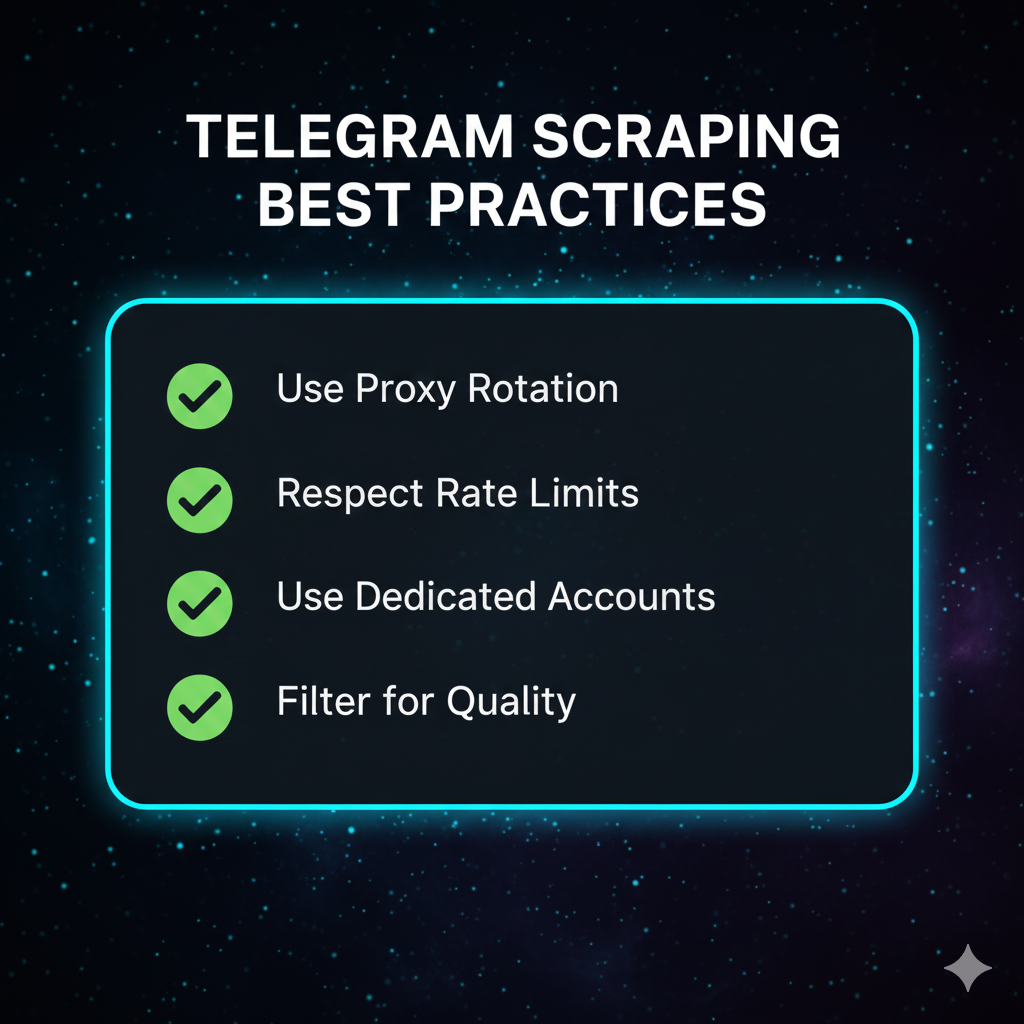
Two different questions, and people blur them constantly. On legality: pulling publicly available data is generally treated as lawful in most places, but Telegram's Terms of Service govern what you may do with it, and scraping private groups you weren't invited to is a different matter entirely — don't. On bans: this is the real day-to-day risk, and it has almost nothing to do with the law. Telegram's anti-spam system flags behavior, and scraping at volume looks like exactly the behavior it was built to catch. Using the official API keeps you on the sanctioned path; raw web scraping that bypasses the API is what gets accounts blocked fastest. In our own runs, pushing a single account through more than roughly 150 to 200 groups in a short window reliably trips a 24-hour cooldown. The account you scrape with should never be an account you can't afford to lose.
| Factor | Lower risk | Higher risk |
|---|---|---|
| Account used | A secondary or dedicated account | Your main account |
| Access method | Official API (Telethon, api_id) | Raw web scraping that bypasses the API |
| Volume per session | Paced, with breaks, under ~150–200 groups | Marathon runs through hundreds in a row |
| What you do next | Scrape, filter, then analyze | Scrape, then immediately mass-add |
How to scrape Telegram members without burning accounts
If you're going to scrape Telegram members, the difference between a clean run and a dead account comes down to a few habits. Use a secondary account, never your main one. Authenticate through the official API, not a tool that automates the web client. Pace the work — breaks between sessions, no marathon runs through hundreds of groups back to back. Scrape from communities actually adjacent to your niche, because a relevant list is worth ten times a random one. And keep scraping separate from adding: the fastest way to lose an account is to scrape a list and immediately mass-add it, since that combination is the loudest possible signal. If your goal is growth, the scrape is step one of a longer process, and the quality of that first list decides everything downstream — our breakdown of Telegram member quality walks through why a filtered 5,000 beats a raw 50,000.
So here's how to scrape Telegram group members the right way: scrape clean, filter hard, then hand the list to a careful adder process rather than a panic button. The all-in-one tools — the telegram scraper and adder, the telegram member scraper and adder, the one-click telegram scraper adder — are convenient and exactly that loud, because they collapse two paced stages into one noisy burst. We cover the add side in depth in our guide to the Telegram member adder tool — it's the natural step two once you have a real list, and treating scrape-and-add as two separate, paced stages is what keeps the accounts alive.
The YourSolutions Telegram scraper tool
Everything above is why the YourSolutions scraper tool is built the way it is. It runs through the official Telegram API on a pool of aged, warmed accounts — not your main, and not fresh accounts that flag on day one. It paces every session inside safe limits instead of racing through hundreds of groups, so the footprint stays quiet. Scraped lists are filtered against activity and account-age signals before you ever see them, which means the list you get is closer to the list that's actually worth contacting. Targeting is niche-first: members pulled from communities adjacent to yours, not random handles. And because scraping is only step one, it hands off cleanly to the rest of the stack — adding, outreach, and ranking. The tutorial video above walks through the whole flow, from pointing it at a source group to exporting a filtered list.
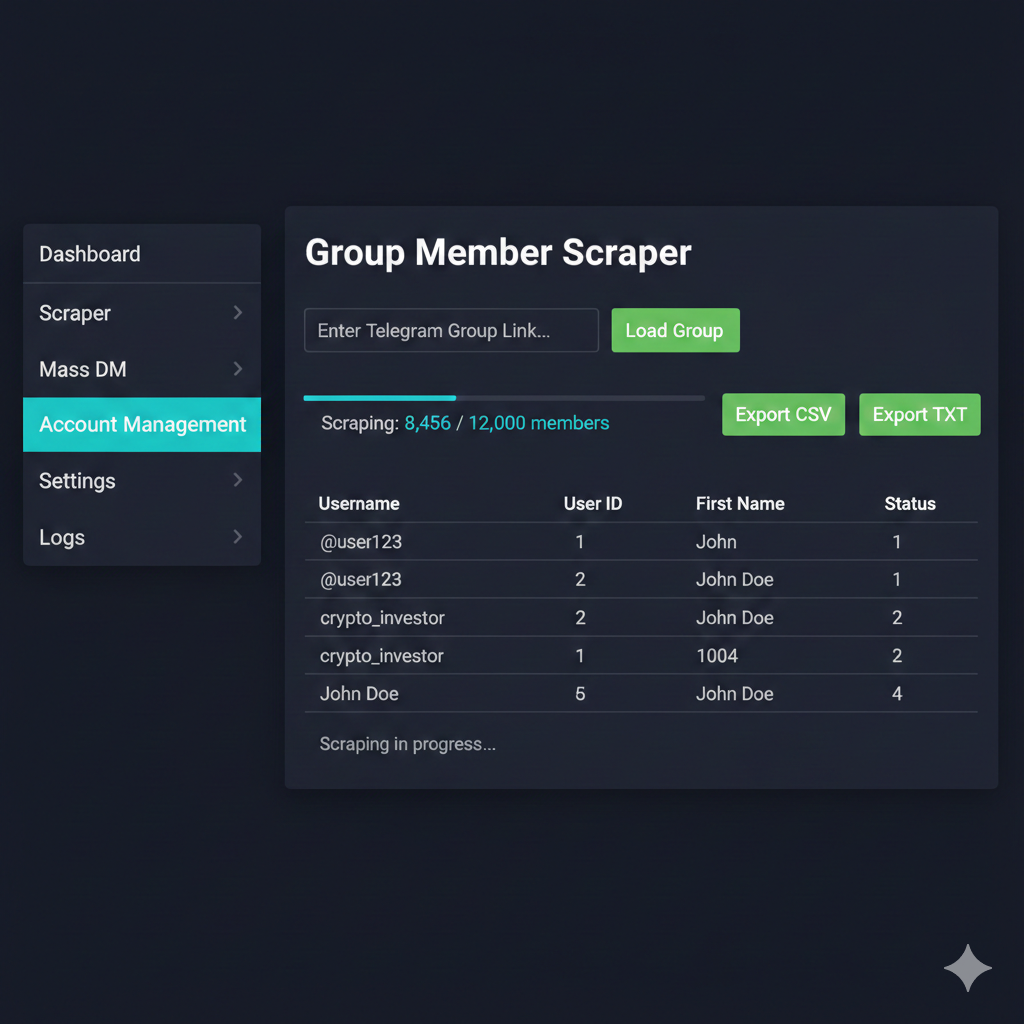
The scraper is one piece of a larger system. A filtered list is worth most when it feeds something: it pairs with our Telegram mass DM service for direct outreach into those scraped niche audiences, and with Telegram channel ranking, which turns a growing base of real members into durable in-app search visibility. For how member quality feeds the 2026 ranker, the Telegram search ranking guide covers every signal. If you want the scraper set up and running for your channel, the contact page is the direct route — Telegram or WhatsApp, and we'll scope it before anything starts.
Sources
- Telethon Documentation — the Python library most DIY Telegram scrapers are built on, with setup and API usage.
- Telegram API — the official API surface a scraper authenticates against with an api_id and api_hash.
- Telegram Terms of Service — governs what you may do with data collected from the platform.
- Telegram Spam FAQ — describes how reported and flagged accounts are limited, first temporarily and then permanently.
Frequently asked questions
What is a Telegram scraper?
A Telegram scraper is software that exports data Telegram already shows you — most often a public group's member list, with usernames and user IDs — into a structured CSV or JSON file. It can also pull public channel messages, views, and reactions. It doesn't unlock private or hidden data; it just automates collection that would otherwise mean scrolling and copying by hand.
Is there a free Telegram scraper?
Yes — several. Open-source scrapers on GitHub cost nothing, and many Chrome extensions and scraper bots have free tiers. But free is misleading. These tools run on Telegram accounts you supply, and aggressive scraping gets those accounts limited or banned. The cash price is zero; the real cost is account risk, and that bill comes due fast if the tool has no pacing logic.
Can you scrape a Telegram channel's subscriber list?
No. A channel's full subscriber list is hidden from everyone, including the channel owner — it's a Telegram architecture limit, not something a better tool can solve. What you can scrape is a public group's member list, the people who post in a channel's linked discussion group, and public message content. Any service promising a channel's subscriber roster is selling something that doesn't exist.
Is it legal to scrape Telegram?
Scraping publicly available data is generally treated as lawful in most jurisdictions, but that's not the whole picture. Telegram's Terms of Service govern what you can do with the data, and scraping private groups you weren't invited to crosses an ethical and likely legal line. If your use case is sensitive or commercial at scale, check the ToS and get proper legal advice.
Will scraping Telegram get my account banned?
It can — but the behavior is what gets flagged, not the word scraper. Telegram's anti-spam system watches for volume and velocity. Scraping through the official API at a measured pace, on a secondary account, keeps the footprint low. Raw web scraping, marathon sessions through hundreds of groups, or scraping then immediately mass-adding is what gets accounts restricted.
What's the best Telegram scraper?
There isn't a single best one — it depends on context. Developers get the most control from Python and Telethon. Non-coders are better served by a no-code cloud tool or a browser extension. Teams that need volume without risking their own accounts use a managed service. Match the tool to your skill level, your data target, and how much account risk you can absorb.
Can you scrape Telegram messages, not just members?
Yes. Message scraping is actually more reliable than member scraping for channels, since channels expose their posts but hide their subscribers. A Telegram message scraper — usually a Python script on Telethon — can pull message text, timestamps, views, reactions, media links, and the sender ID, exporting it to CSV or a SQLite database. It's the standard approach for research and monitoring.
What's the difference between a Telegram scraper and a scraper and adder?
A scraper only extracts the list. A scraper and adder does two jobs — it scrapes members from one group, then adds them into yours. The adder half carries far more ban risk, because adding strangers at volume is a louder signal than reading a member list. Keeping the two steps separate, and pacing the add carefully, is what protects the accounts involved.