A Telegram data scraper is software that extracts public Telegram data — message text, media, views, reactions, timestamps, and member usernames — into a structured CSV, JSON, or database file. It's used for market intelligence, research, and monitoring, not just member lists. You can pull anything Telegram shows a normal account, but not a channel's hidden subscriber list, and personal data still falls under GDPR.
Search "telegram data scraper" and you'll get two kinds of results pretending to be the same thing — tools that pull a member list, and tools that pull everything else a public chat exposes. They're not the same job. A member list is one narrow slice of Telegram data; the messages, the engagement numbers, the media, and the metadata around them are the rest of it. And for research, monitoring, and market intelligence, that "rest" is usually the whole point.
We build and run data-collection pipelines for client campaigns — somewhere north of 300 scraping jobs across 2025 and into 2026 — and the pattern barely changes. The tooling is rarely the hard part. What separates a useful dataset from a junk file is knowing what Telegram actually exposes, cleaning the raw pull down to what answers your question, and pacing the collection so the account doing it survives the week. This guide walks all three, then shows where the YourSolutions data scraper fits.
What is a Telegram data scraper?
A Telegram data scraper is software that connects to Telegram and exports the data the platform already shows you — message text, timestamps, view counts, reactions, media files, member usernames, and channel metadata — into a structured file like CSV, JSON, or a database. Where a member scraper is narrowly about who is in a group, a data scraper is about everything a public chat exposes: the posts, the engagement numbers, the media, and the people behind them. The category is wide. It runs from a few dozen lines of Python on the Telethon library, through no-code cloud actors, to full OSINT toolkits used by investigators. They all do the same core job — turn a public Telegram surface you can read into a dataset you can query, chart, or feed into another system. What a data scraper is not is a key to private content. It reads what a normal account can see, and nothing behind a wall.
One naming note, because the search results blur this badly. A "telegram data scraper", a "telegram channel data scraper", and a "telegram data scraping tool" all point at the same idea — pulling structured data, not just a contact list. People also type "extract data from telegram", "telegram data extraction", and "scrape telegram data", and they mean this exact thing. If your goal is specifically a member roster for outreach, that narrower job is covered in our Telegram group scraper guide. This page is about the broader pull — messages, metrics, and media — and what you do with it once it lands.
What data can you actually extract from Telegram?
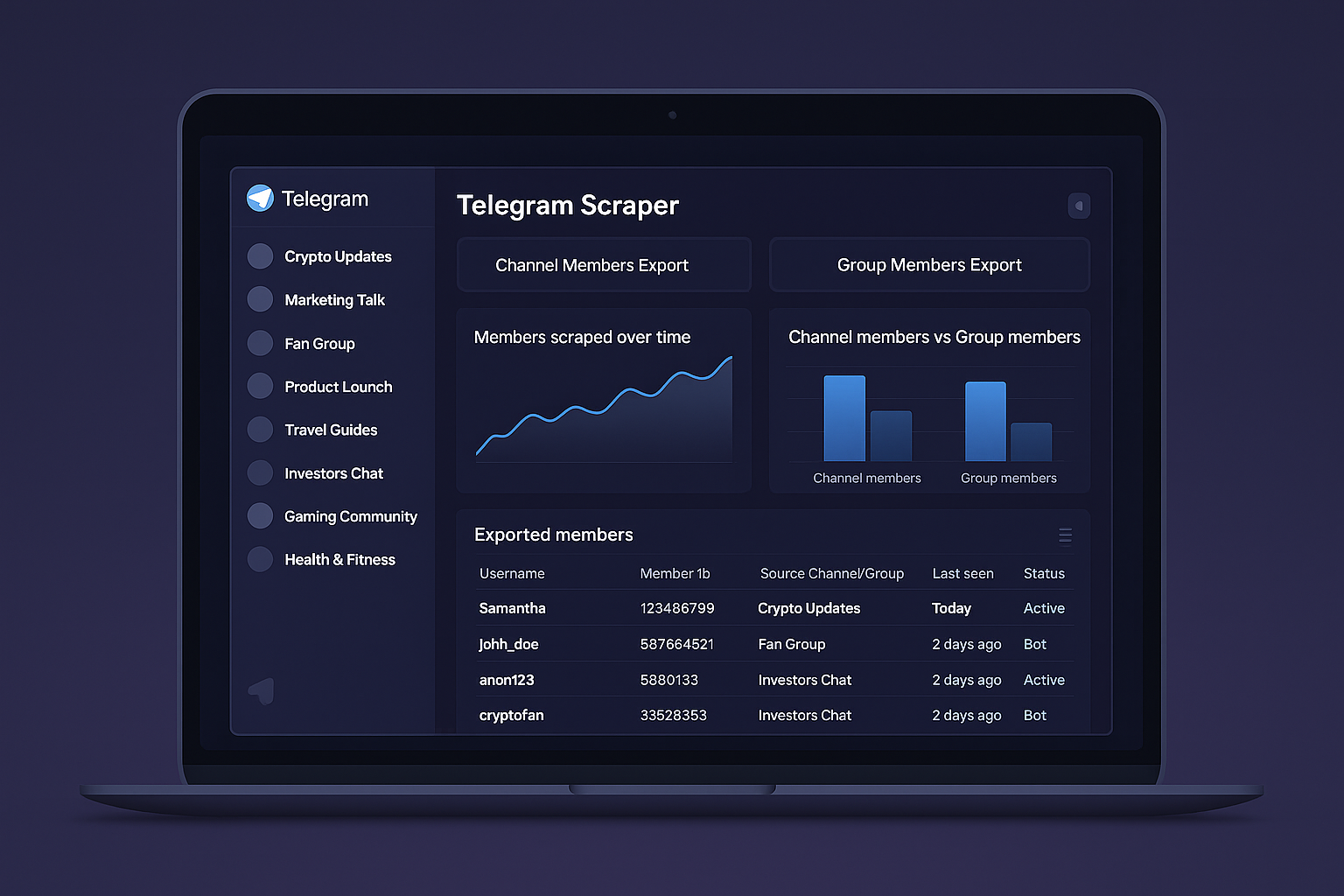
The honest answer starts with the data you can pull and the one thing you can't. From a public group you can extract the member list — usernames, user IDs, and display names. From a public channel you can extract every post: message text, the timestamp, view counts, reaction breakdowns, forwards, and links to attached media. From a channel's linked discussion group you can extract the people who actually comment, plus their messages. What you cannot extract is a channel's full subscriber list — it's hidden from everyone, including the channel's own owner, and no tool or script changes that. It's a Telegram architecture limit, not a feature gap. We've had clients arrive certain they'd buy a competitor's 80,000-subscriber roster, and that file simply does not exist to be sold. Knowing the line between what's exposed and what's sealed is the difference between a realistic data plan and paying for a fantasy.
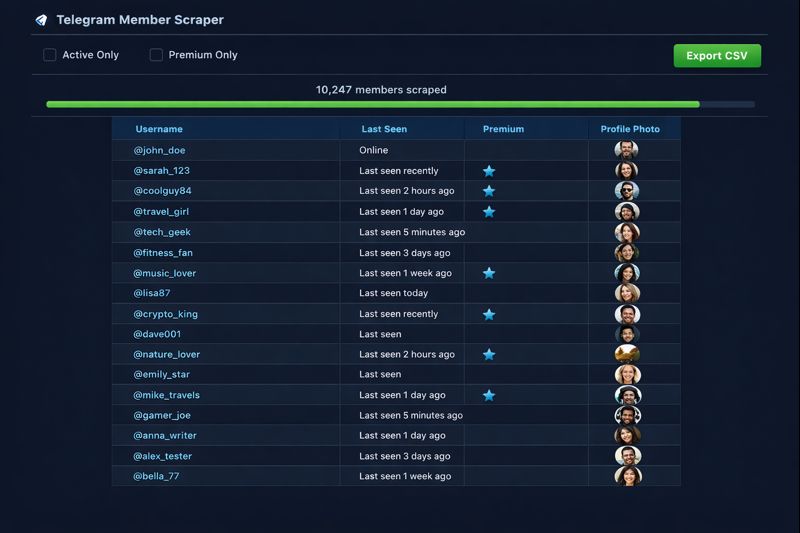
Put it side by side and the split is clear. The table below maps each data type to where it comes from and what teams typically do with it.
| Data type | Where it comes from | Typical use |
|---|---|---|
| Message text + timestamps | Public channels and groups | Trend monitoring, archives, sentiment |
| Views, reactions, forwards | Public channel posts | Engagement and sentiment scoring |
| Media files and links | Channel and group messages | Evidence, asset collection, research |
| Member usernames + IDs | Public groups | Audience building, outreach lists |
| Commenters and their posts | Channel-linked discussion groups | Active-audience targeting |
| Channel metadata (title, count, bio) | Public channels | Competitive benchmarking |
What stays off the table: a channel's silent subscriber base, anything inside private groups you haven't joined, phone numbers unless a user chose to share theirs, and content that's already been deleted. Any tool claiming otherwise is selling access it doesn't have.
Output formats: CSV, JSON, and where the data goes
Scraping is only half the job; the data has to land somewhere you can use it. Most tools export to one of three formats. CSV is the default — a flat table that opens in Excel or Google Sheets and suits member lists and message logs. JSON keeps the nested structure intact, which matters when a single message carries reactions, replies, and media metadata you don't want flattened away. For anything recurring, a database export — SQLite is the common choice — lets you query across thousands of messages without re-scraping. From there the data flows on. We've built pipelines that drop scraped channel data straight into Google Sheets, Notion, and Airtable for non-technical teams, and into SQL or a BI tool for analysts who want to chart it. A few clients pipe it into a Jupyter notebook to train a sentiment model. The format you pick should be decided by where the data ends up, not by what's easiest to export.
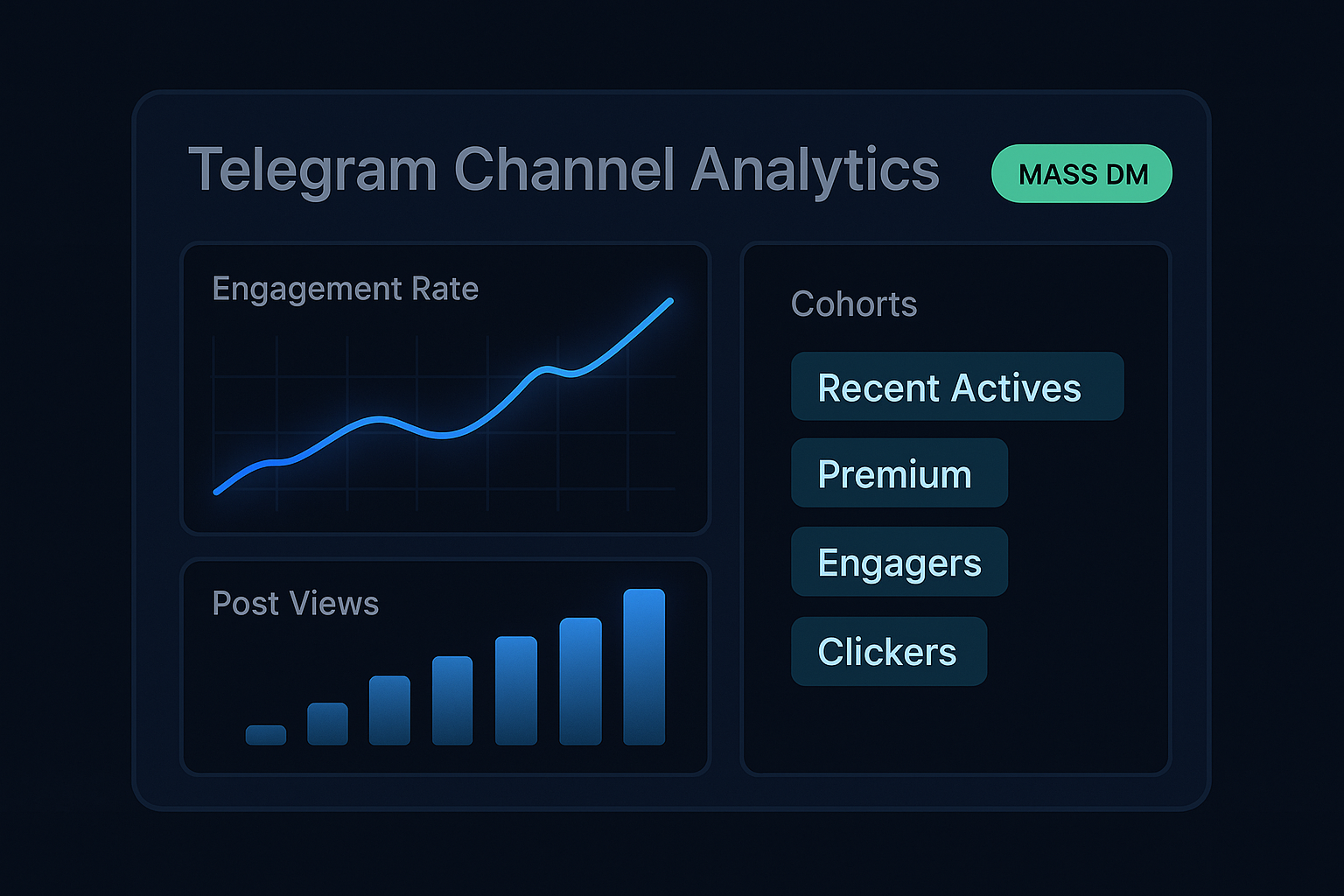
Recurring pulls are where this gets interesting. A one-off export is fine by hand, but monitoring a set of channels means scheduling the scrape to run daily or hourly — the same scheduling logic behind broader Telegram automation — and appending fresh rows without re-pulling everything. Decide the destination first; it dictates the format, the cadence, and how much cleaning you'll do downstream.
The tools: from Python scripts to no-code and OSINT
There's no single best Telegram data scraper, only the right fit for your skill level and your target data. Four broad approaches cover the field. If you write code, the official API with the Telethon Python library is the most flexible route — a script of a few dozen lines pulls messages or members and exports them however you like. If you don't code, no-code cloud actors on platforms like Apify, or point-and-click tools, read public data without you touching a terminal. Investigators and researchers reach for OSINT toolkits — Telerecon, Telepathy, and similar — that bundle scraping with user tracking and network mapping. And teams that need volume without burning their own accounts hand the job to a managed service. Each trades convenience against control and account risk in a different way. The table lays out all four the way we'd brief a client, not the way a vendor page sells one.
| Approach | Output you control | Best for | Account risk |
|---|---|---|---|
| Python + Telethon (official API) | Anything — CSV, JSON, database | Developers, repeatable jobs | Medium — depends on your pacing |
| No-code cloud actor (Apify-style) | CSV/JSON into Sheets, Notion, Airtable | Quick public-data pulls, no setup | Low to medium — often no account needed |
| OSINT toolkit (Telerecon, Telepathy) | Reports, network maps, user profiles | Investigators, journalists, researchers | Medium — varies by tool |
| Managed / done-for-you | Cleaned, formatted dataset | Volume, with account safety handled | Shifts to the provider |
What people actually use Telegram data for
Most people don't want Telegram data for its own sake — they want an answer it can give. Five use cases come up again and again. Crypto and trading desks scrape signal channels to consolidate calls into one searchable database and to score sentiment from reaction counts in near real time. Market and competitive-intelligence teams monitor rival channels — what they announce, which posts land, how fast they grow. Researchers and journalists pull public message archives to study how a narrative spreads, the same data investigators use for OSINT. Brand and community teams watch for mentions and track sentiment shifts before they become a problem. And growth teams build targeted audience lists from niche communities, then route them into outreach through a Telegram mass DM campaign or into a Telegram CRM to manage those contacts over time. The common thread: the raw scrape is step one, and the value shows up only once the data is cleaned, structured, and pointed at a question.
| Use case | Data it needs | Where it ends up |
|---|---|---|
| Crypto signal monitoring | Channel messages, timestamps, reactions | Searchable database, alert bot |
| Competitive intelligence | Competitor posts, views, growth metrics | BI dashboard, weekly report |
| Research / OSINT | Public message archives, author IDs | Notebook, case file |
| Brand monitoring | Mentions, reaction trends, sentiment | Sentiment dashboard, alert |
| Audience building | Group members, active commenters | CRM, outreach list |
Why raw scraped data is a draft, not a deliverable
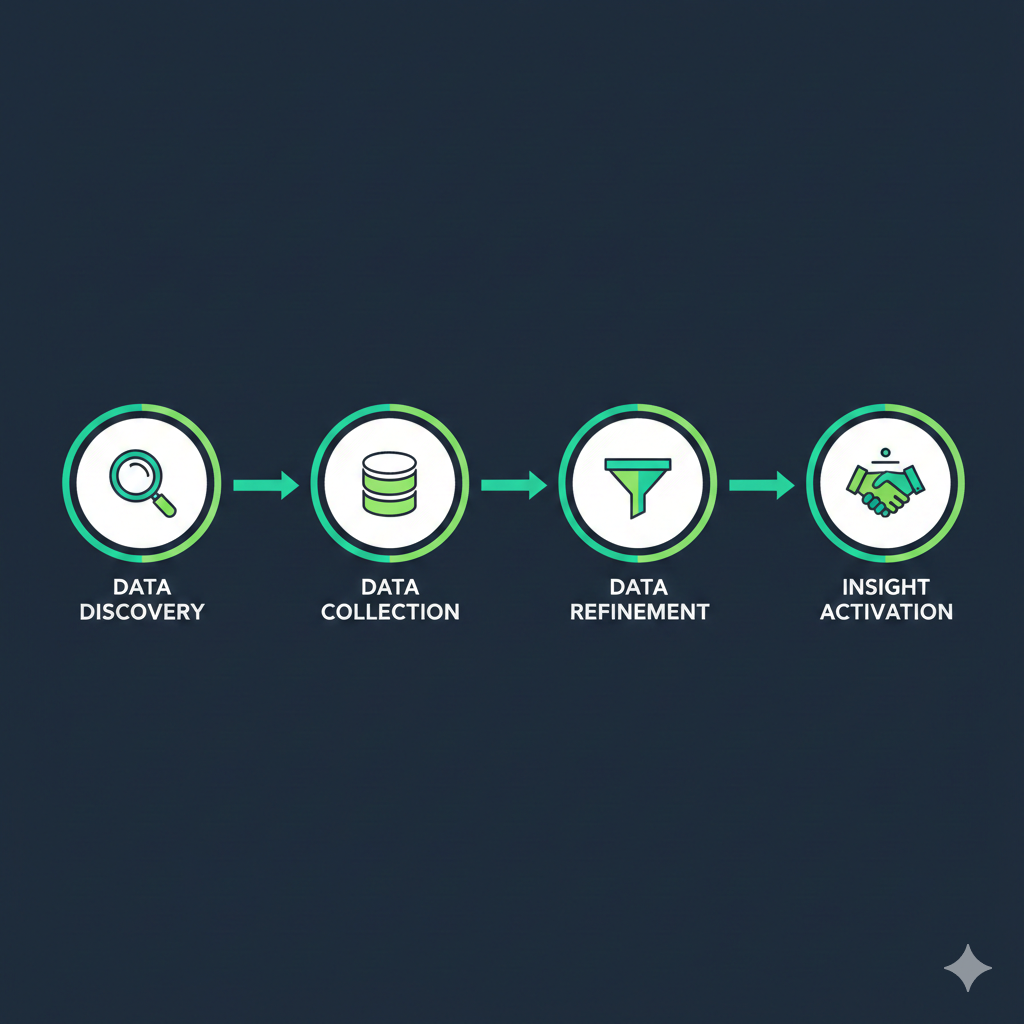
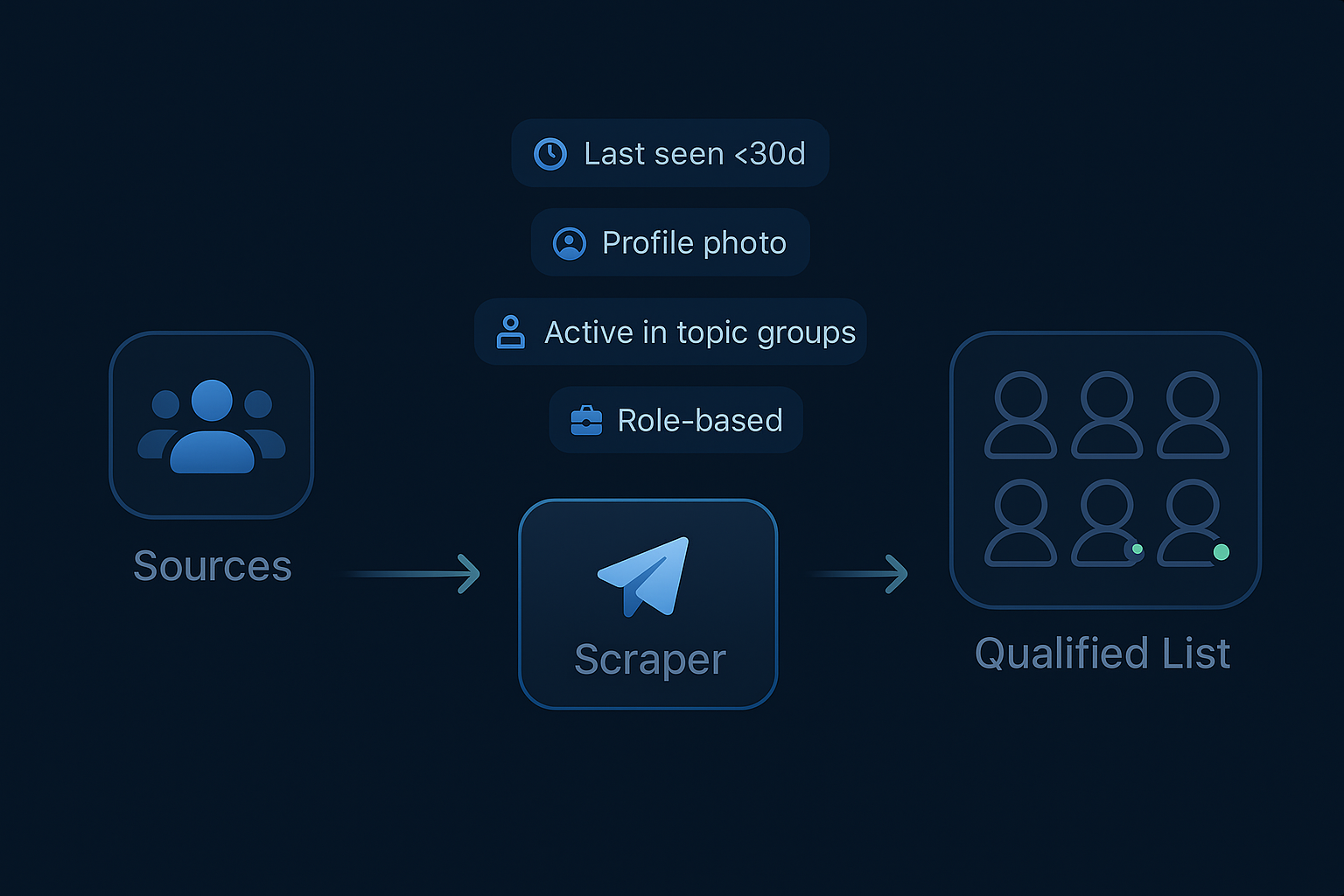
Here's the contrarian part most tool pages skip: more rows is not more intelligence. A scraper that dumps everything hands you a file padded with bots, accounts that left months ago, duplicate forwards, and profiles whose privacy settings mean you could never act on them anyway. The list looks bigger. It just isn't worth more. The work that turns a raw pull into something useful is the part cheap tools ignore — deduplicating, dropping dead and bot accounts, normalizing timestamps to one timezone, and filtering down to the slice that answers your question. For a member dataset, that means scoring accounts on activity and age, the same logic behind real Telegram member quality. For a message dataset, it means stripping spam and tagging by topic before anyone charts a trend. We treat every raw scrape as a first draft. The deliverable is what's left after the noise is gone — and that ratio, not the row count, is the number that matters.
Is scraping Telegram data legal — and will you get banned?
Two separate questions get blurred constantly, so split them. On legality: scraping publicly available data is generally treated as lawful in most jurisdictions, but "public" does not mean "permissible". Under the GDPR, personal data stays personal even when it's openly visible, and there's no blanket exception for public information — you need a documented lawful basis to collect and process it, and Telegram's Terms of Service govern what you may do with it afterward. Scraping private groups you weren't invited to is a different matter entirely. Don't. On bans: this is the day-to-day risk, and it has little to do with the law. Telegram's anti-spam system flags behavior, and reading at volume looks like exactly what it was built to catch. Using the official Telegram API at a measured pace keeps the footprint quiet; raw web scraping that bypasses the API gets accounts limited fastest. In our runs, pushing one account through more than roughly 150–200 sources in a short window reliably trips a cooldown.
If the data you're after includes personal information and your use is commercial or at scale, get the lawful basis documented and, if it's sensitive, take proper legal advice — that's not boilerplate, it's the part that bites later. On the account side, the rules are simpler: use a secondary account you can afford to lose, authenticate through the official API rather than a tool that drives the web client, pace the work with breaks, and never scrape-then-immediately-act in one loud burst. We keep collection and outreach as separate, paced stages for exactly this reason, and the full playbook is in our guide to avoiding a Telegram ban.
The YourSolutions Telegram data scraper
Everything above is why the YourSolutions data scraper is built the way it is. It runs through the official Telegram API on a pool of aged, warmed accounts — never your main, and never day-old accounts that flag immediately. It paces every session inside safe limits instead of racing through hundreds of sources, so the footprint stays quiet. Whatever you're pulling — channel messages, engagement metrics, media, or member lists — it comes back cleaned: bots and dead accounts dropped, duplicates removed, timestamps normalized, and the set filtered to what you actually asked for. You choose the format, whether that's a CSV for a quick look or a structured export wired into your own dashboard. And because collection is rarely the end goal, it hands off cleanly to the rest of the stack — outreach, ranking, and the workflows around them. Tell us what question the data needs to answer, and we scope the pull around that, not around a raw row count.
The scraper is one piece of a larger system, and a clean dataset is worth most when it feeds something. Once you have a real member list, the scrape-to-add workflow is covered in our Telegram member adder tool guide — the natural step two, treated as its own paced stage. And for how a growing base of real members turns scraped audiences into durable in-app search visibility, the 2026 Telegram search ranking guide covers every signal. If you want a data pull scoped and running for your channel, the contact page is the direct route — Telegram or WhatsApp, and we'll define the dataset before anything starts.
Sources
- Telethon Documentation — the Python library most DIY Telegram data scrapers are built on, with setup and API usage.
- Telegram API — the official API surface a data scraper authenticates against with an api_id and api_hash.
- Telegram Terms of Service — governs what you may do with data collected from the platform.
- General Data Protection Regulation (GDPR) — the EU framework that still applies to personal data even when it is publicly visible.
Frequently asked questions
What is a Telegram data scraper?
A Telegram data scraper is software that exports public Telegram data — message text, timestamps, views, reactions, media, and member usernames — into a structured CSV, JSON, or database file. It automates collection that would otherwise mean scrolling and copying by hand. Unlike a narrow member scraper, it covers everything a public chat exposes, and it's used for research, monitoring, and market intelligence as often as for building contact lists.
What data can you extract from a Telegram channel?
From a public channel you can extract every post — text, timestamps, view counts, reaction breakdowns, forwards, and links to media — plus metadata like the title and subscriber count. From its linked discussion group you can pull the people who comment and their messages. The one thing you cannot get is the full subscriber list, which Telegram hides from everyone, including the channel owner.
What format does scraped Telegram data come in?
Most scrapers export to CSV, JSON, or a database. CSV is a flat table for Excel or Google Sheets and suits member lists and message logs. JSON preserves nested structure, so reactions, replies, and media metadata stay intact. SQLite handles recurring jobs you'll query repeatedly. From there the data commonly flows into Sheets, Notion, Airtable, a SQL database, a BI tool, or a Jupyter notebook.
Is it legal to scrape data from Telegram?
Scraping publicly available data is generally lawful, but public doesn't mean unrestricted. Under the GDPR, personal data stays protected even when it's openly visible, so collecting it commercially needs a documented lawful basis, and Telegram's Terms of Service govern its use. Scraping private groups you weren't invited to crosses the line. For sensitive or large-scale use, get proper legal advice.
Can you scrape a Telegram channel's subscriber list?
No. A channel's full subscriber list is hidden from everyone, including the channel's own owner — a Telegram architecture limit no tool can bypass. What you can scrape is a public group's member list, the commenters in a channel's linked discussion group, and all public message content. Any service promising a channel's subscriber roster is selling something that doesn't exist.
What's the best tool to scrape Telegram data?
It depends on your skill and target. Developers get the most control from Python and the Telethon library against the official API. Non-coders are better served by a no-code cloud actor. Investigators use OSINT toolkits like Telerecon. Teams needing volume without risking their own accounts use a managed service. Match the tool to your data target and how much account risk you can absorb.