To avoid a Telegram ban, behave like a real person, not a broadcast machine. Telegram limits accounts on user spam reports, message velocity, and high-risk signals like VoIP numbers — not a fixed message count. Warm new accounts slowly, personalise outreach, contact people by username, keep one account per number and IP, and never blast identical messages to strangers.
Most people who lose a Telegram account didn't break some hidden rule. They moved too fast, from a fresh number, with a copy-paste message — and a handful of annoyed strangers did the rest. I've managed account pools for crypto launches, creator funnels, and SaaS outreach since 2018, and the same pattern burns people over and over. So this isn't a list of vague "be careful" advice. It's the actual mechanics of how Telegram decides to limit you, the one myth that gets the most accounts killed, and the habits we use to keep accounts alive at scale.
Why does Telegram ban or limit accounts?
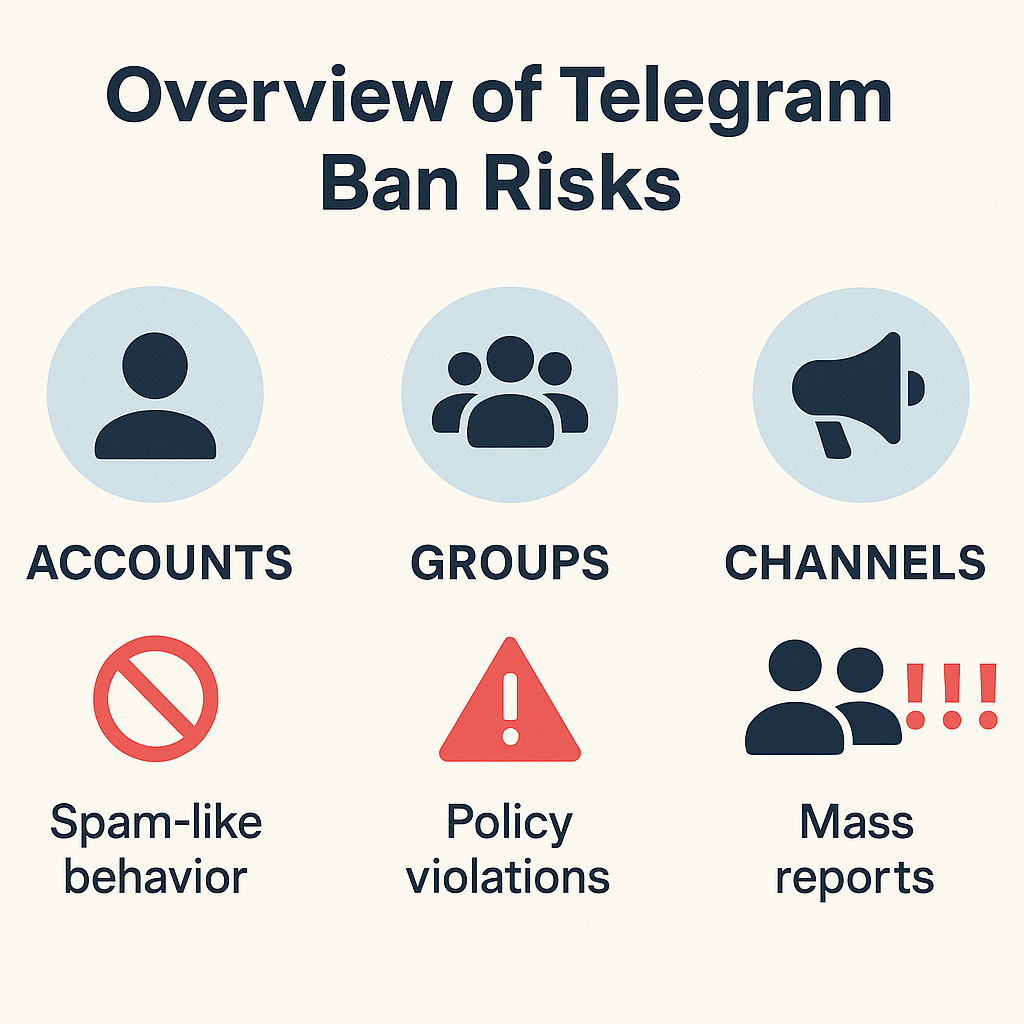
Telegram rarely "bans" in the dramatic sense most people picture; far more often it quietly limits an account, cutting off its ability to message strangers while leaving everything else working. The trigger is almost always other users. When enough people tap Report Spam on your messages, those reports flow to Telegram's moderation team, and a confirmed pattern gets your account restricted — temporarily for a first offence, permanently for repeat behaviour. Layered on top is an automated system that watches velocity (how many new chats you start per hour), account age, and content fingerprints matching known scam and phishing templates. None of these signals is published as a hard number. What gets accounts limited is the combination: a fresh account, blasting identical messages to strangers, from a flagged number, fast. Remove any one of those factors and your risk drops sharply. That's the whole game in one sentence.
This is why high-report niches burn accounts fastest. A Telegram shilling bot dropping the same token pitch into chats, or aggressive OnlyFans advertising on Telegram, generates reports far faster than ordinary outreach — the content itself invites the tap that limits you.
The myth of the magic message limit
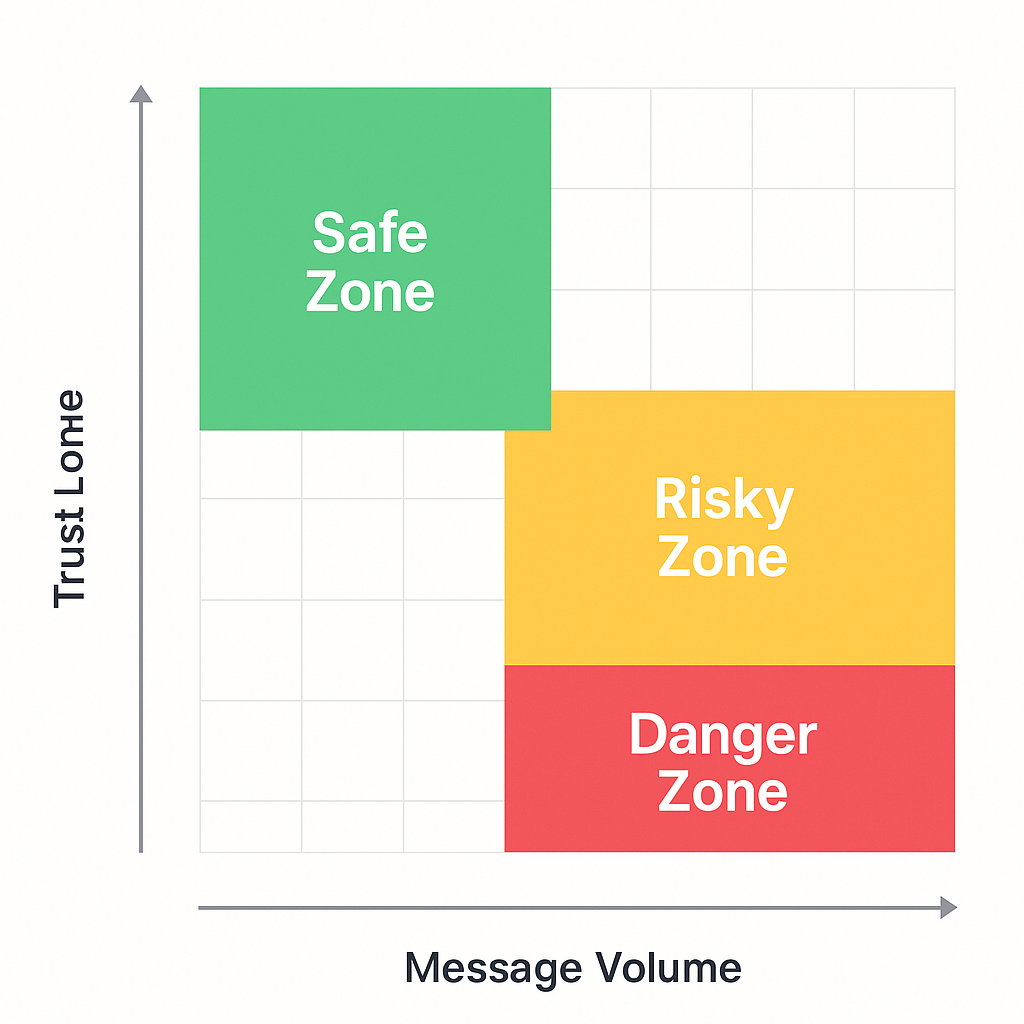
Search any forum and you'll find a confident number: "20 messages a day," "40 DMs," "50 invites." Ignore all of them. Telegram's own Spam FAQ deliberately refuses to publish a numeric threshold, stating that enforcement rests on reports plus automated and manual review rather than a fixed quota. We've watched a warmed account send 60 personalised messages in a day and stay clean, while a fresh one got limited at message seven — same day, same script. The variable wasn't the count. It was the reports those messages generated and the age of the account sending them. A number feels reassuring because it's a rule you can follow. But Telegram isn't counting your messages; it's measuring how annoyed your recipients are. Chase the magic number and you'll still get limited. Cut the reports and you can send far more than any forum will admit.
That reframing changes how you should run a Telegram mass DM campaign entirely: the lever isn't "stay under N messages," it's "make N messages people don't want to report."
What actually triggers a Telegram ban?
If there's no magic number, what should you actually watch? In our account-management logs the limits cluster around a handful of behaviours, and they're not equally dangerous. Mass-identical messaging to strangers is the single fastest route to a restriction — Telegram's pattern detection flags copy-paste outreach almost immediately. Inviting dozens of people to a group or channel straight after registration is a close second. Registering on a VoIP or SMS-relay number is a quieter killer: those prefixes sit on a continuously updated blacklist and can get an account flagged before it sends a thing. Then come the slower risks — running many accounts from one IP, sharing scam-template content, and ignoring the privacy settings that make people report you. The table below ranks what we see most, from "limited within minutes" to "fine if you're sensible." Treat the top rows as hard rules, not suggestions.
| Behaviour | Why it's risky | How fast it bites |
|---|---|---|
| Identical messages to many strangers | Pattern detection flags copy-paste outreach instantly | Minutes to hours |
| Mass-inviting to a group on a new account | Classic spam pattern the system is trained on | Very fast |
| Registering on a VoIP / virtual number | Sits on a live blacklist of flagged prefixes | Before first message |
| Many accounts on one IP | Accounts correlate; one flag taints the rest | Cascading |
| Links or ads in a first message to strangers | Reads as unsolicited promotion | Fast, report-driven |
| Aged account, paced, personalised | Looks like a real human user | Low risk |
The adjacent activities carry the same risk profile. Pulling rosters with a Telegram group scraper and then force-adding that list with a member adder tool or bulk group adds trips the invite-velocity wall fast — especially on accounts spun up by an account-creator bot that have no history behind them.
How to avoid getting banned on Telegram: the daily habits
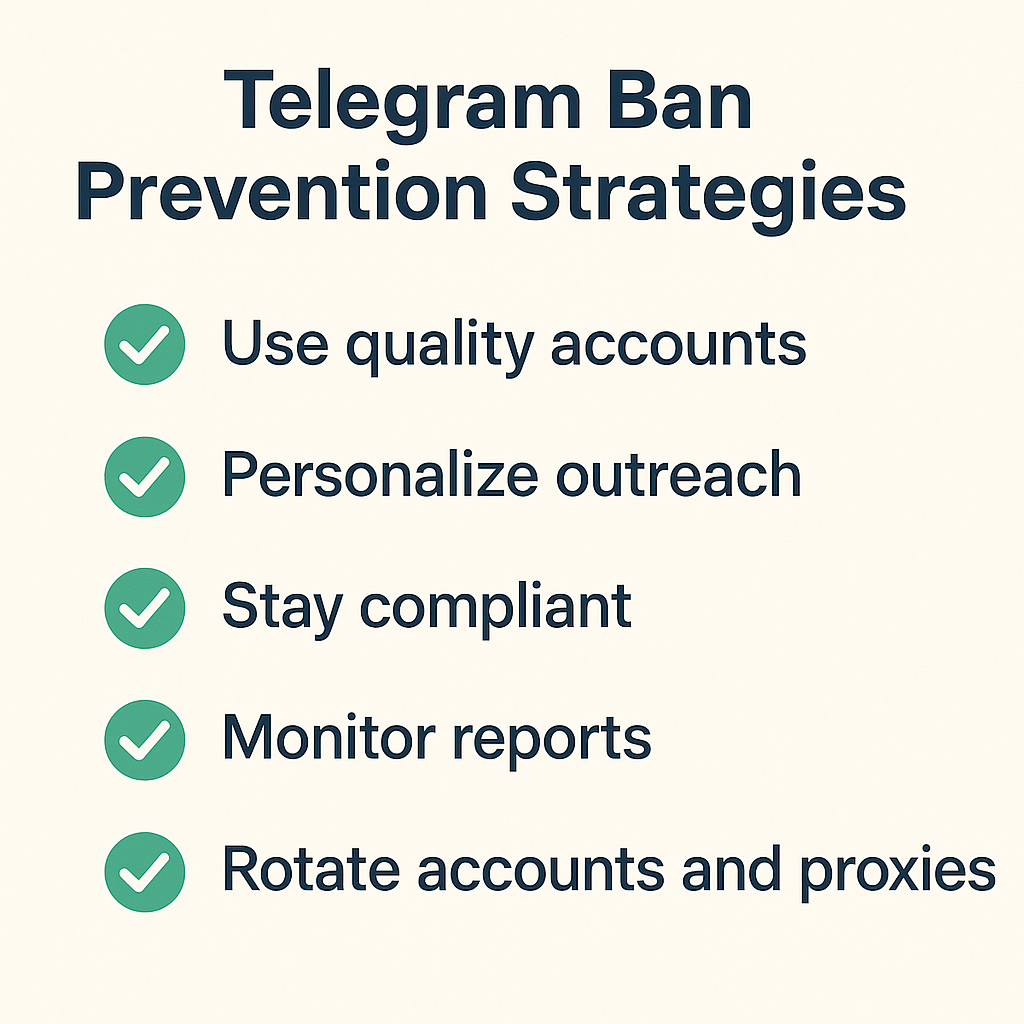
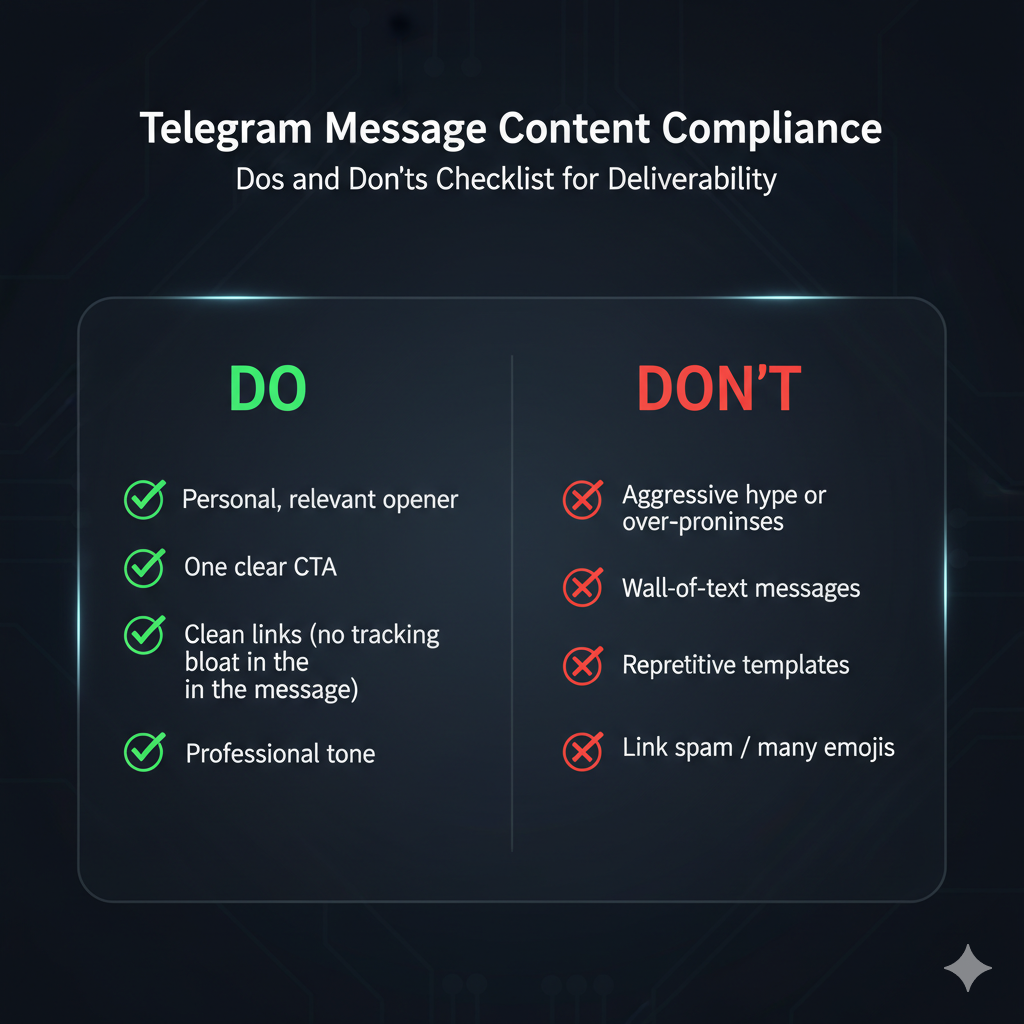
Knowing how to avoid getting banned on Telegram comes down to a short list of habits you repeat every single day, not a one-time setting. Personalise every message — change the name, the opener, one real detail — because identical text across recipients is the clearest spam signal there is. Reach people by their public @username rather than their phone number; Telegram is markedly more lenient about username contact than cold number outreach. Space new conversations out, a minute or two apart, instead of firing them back to back. Don't paste links into first messages to strangers. And read the room: if replies are cold and you sense reports coming, stop for the day rather than pushing through. These rules sound soft, but they directly lower the one metric Telegram acts on — the rate at which strangers find your messages unwelcome enough to report.
Channel matters too. A one-shot announcement through a bulk message sender to people who already opted in is far safer than cold DMs, because opted-in recipients rarely report. And a clean, memorable claimed username — grabbed early, or via a username autoclaimer — makes username-based contact land more credibly than a raw number ever will.
How to warm up a new Telegram account
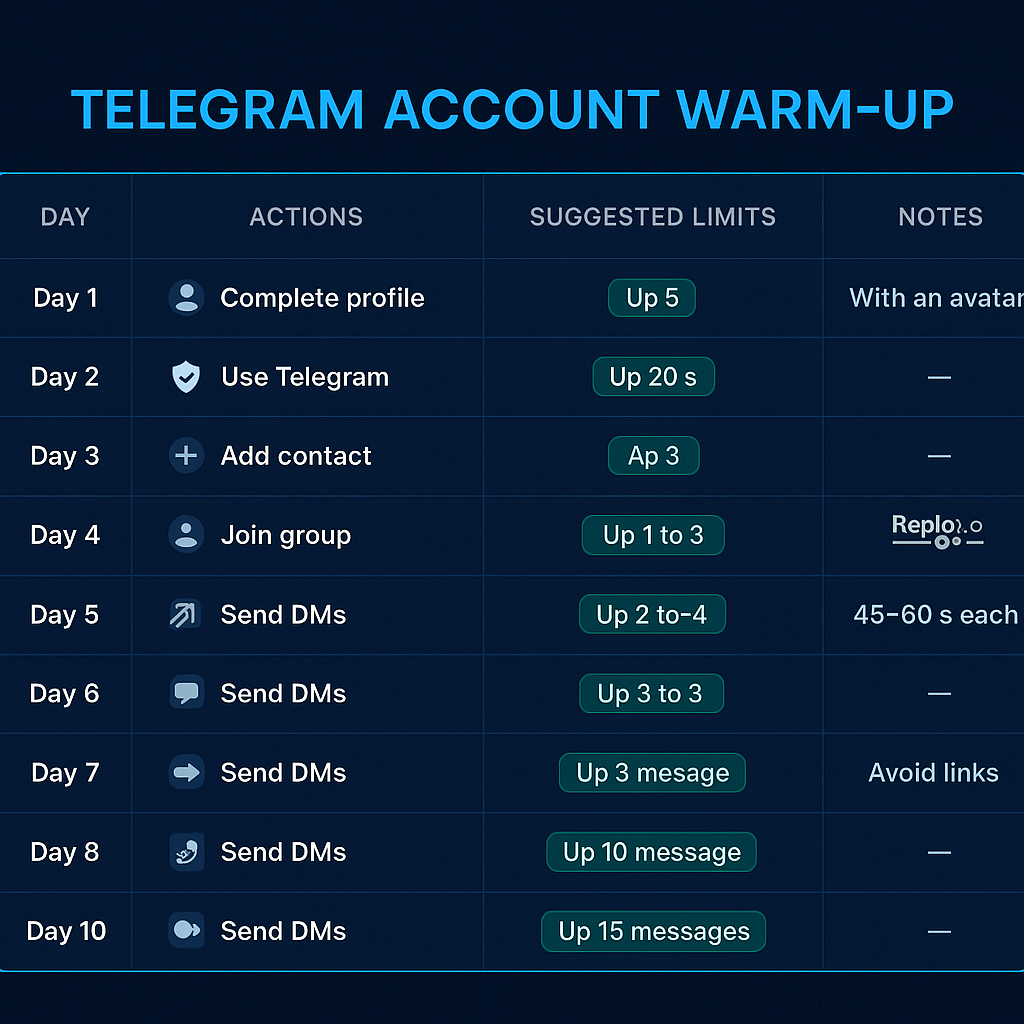
A new account is the most fragile thing on Telegram, and treating it like an aged one is how most people lose it in week one. Warming means building a behavioural history before you ever do anything commercial, so the account looks lived-in when the automated system first scores it. We run every fresh number through the same ramp: nothing promotional for the first several days, real activity only, then a slow widening of what the account does. The goal isn't to trick anything — it's to avoid the exact "registered today, messaging strangers immediately" fingerprint that gets cold accounts limited on day one. Below is the schedule we actually use before an account touches a campaign. It's deliberately unhurried, because every day you skip here costs you far more in burned accounts later. Patience at the start is the cheapest insurance you'll buy.
- Days 1–3: Nothing commercial. Set a real photo, display name, and bio. Join three to five public groups in your niche and just read.
- Days 3–5: Behave like a human — react to posts, reply inside groups, message a few existing contacts. No outreach to strangers yet.
- Days 5–7: Post in your own group or channel, link a recovery email, and switch on two-step verification.
- Week 2: Begin light, personalised outreach — a handful of username-based messages a day, spaced minutes apart, watching for any cold reception.
- Week 3+: Scale gradually, and only after the account has banked real two-way conversations. Never jump straight to volume.
Because warming is slow, serious operators rarely start from zero. We keep a rotating pool — some aged Telegram accounts bought ready-warmed for speed — and track each one's health and history in a Telegram CRM so a limited account never gets confused with a clean one mid-campaign.
Do phone numbers and proxies matter?
More than almost anything else you control. The number you register on is the first thing Telegram scores, and a real SIM carries far more trust than a virtual one — Telegram maintains a live blacklist of VoIP and SMS-relay prefixes, and accounts on cheap disposable numbers get flagged before registration even confirms. If you're buying numbers, check them first rather than discovering the problem after a ban. IP matters next. Logging several accounts in from one data-centre IP correlates them instantly, so the moment one is flagged, the rest are guilty by association. We keep a strict one-account-one-IP rule using residential or mobile proxies, never the shared data-centre pools that tools bundle for free. None of this is optional at scale: the account, number, and IP are a single identity in Telegram's eyes, and the cheapest layer you skimp on is the one that sinks the whole pool.
This is why the account layer, not the script, is where the money goes. Before any run we put each number through a phone-number health check, then top up inventory with bulk accounts when a campaign needs a wider pool to rotate across — exactly the discipline that keeps high-volume member adder software from torching every session at once.
Lock down your account settings and two-step verification
Before you run anything, spend ten minutes hardening the account itself, because half the "bans" people report are actually account takeovers or recoverable lockouts. Turn on two-step verification (a cloud password on top of the SMS code) so a stolen or recycled SIM can't hijack the account — this is the single most important setting, and Telegram offers it natively. Set "Who can add me to groups" to My Contacts, which stops strangers dragging you into spam groups that then get your number flagged by association. Hide your phone number from non-contacts. Keep an active email linked for recovery. And never log a campaign account into shady third-party apps that ask for your full session string — a leaked session is a free account for whoever finds it. These settings won't grow anything on their own, but they stop the dumb, avoidable losses that have nothing to do with how you message.
The same care extends to any tooling you connect. Legitimate Telegram automation uses official sessions and your own proxies; sketchy "free booster" apps harvest credentials and are a far bigger ban-and-theft risk than the platform itself.
What to do if your Telegram account is already limited
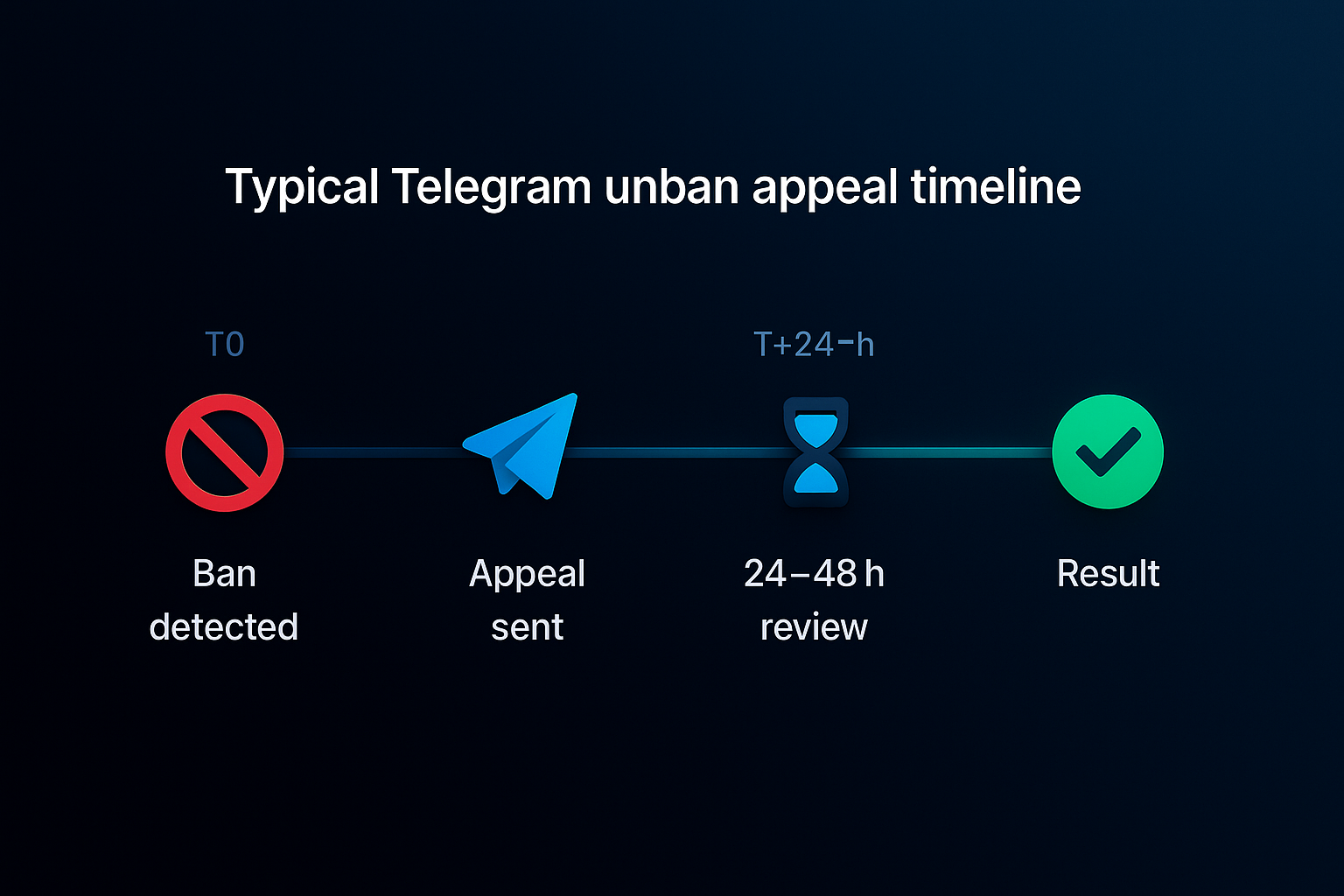
First, find out exactly what kind of restriction you're under, because the fix differs. Open a chat with @SpamBot inside Telegram — it tells you whether your account is limited and lets you file an appeal directly, and Telegram's own FAQ admits its systems "can make mistakes," which is precisely what the appeal exists for. If @SpamBot confirms a limit you believe is wrong, request a review and wait; first-time limits frequently lift within 24 to 72 hours, and many clear on their own. For full account-level bans or lost access, the documented route is the [email protected] email, where a calm, factual message about your legitimate use beats an angry one. Don't spin up a replacement on the same number and IP while you appeal — that pattern reads as ban evasion and can deepen the restriction. Fix the behaviour first, then appeal, then resume slowly.
| Restriction | Where to go | Typical outcome |
|---|---|---|
| Limited from messaging strangers | @SpamBot (in-app) | Review; often lifts in 24–72h |
| Spam / phone-number limit | @SpamBot appeal | Manual re-review |
| Full account ban / lost access | [email protected] | Case-by-case, slower |